moontake
An iPhone camera app designed for moon photography.
Download
Screenshot
Tutorials
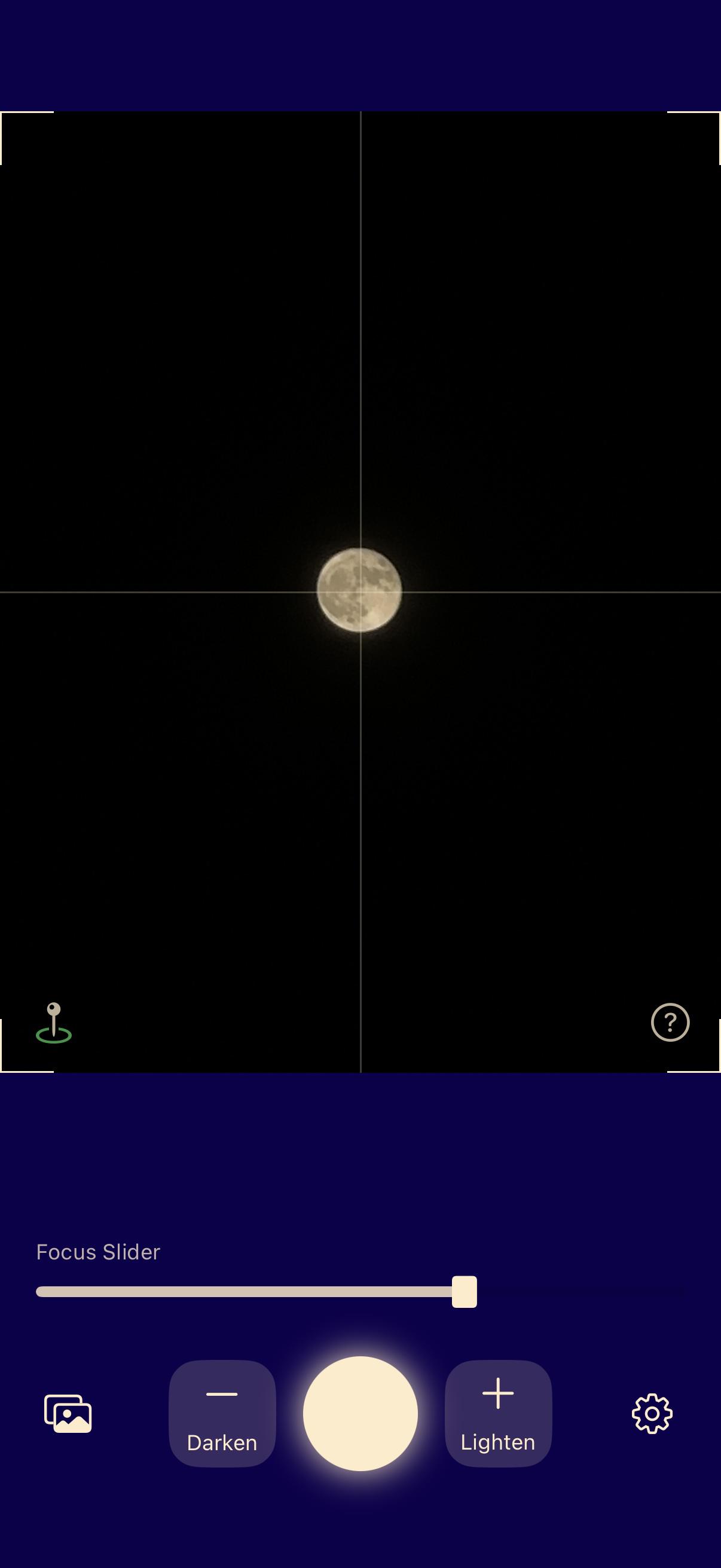
- Point the camera at the moon
- Use two fingers to adjust the moon's size (Note: Bigger is not always better; too much zoom can reduce image quality)
- Tap the moon to autofocus. If autofocus isn't sharp enough, drag the focus slider to focus manually
- Tap the "-" and "+" buttons to adjust brightness. Lowering the brightness can preserve more detail in the moon
- Tap the circular shutter button to take a photo
Results
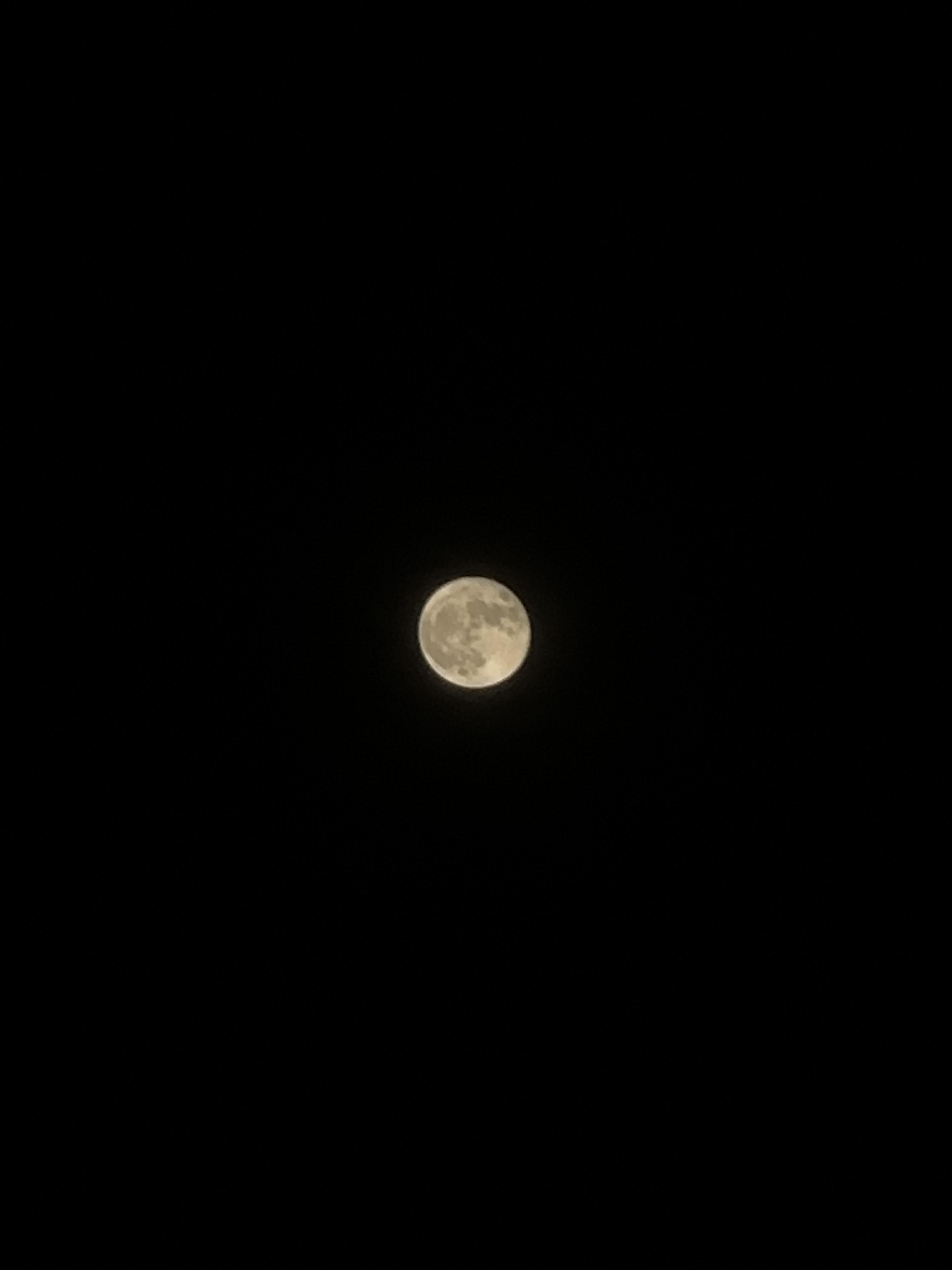
iPhone 14 Pro
Built-in Telephoto Camera
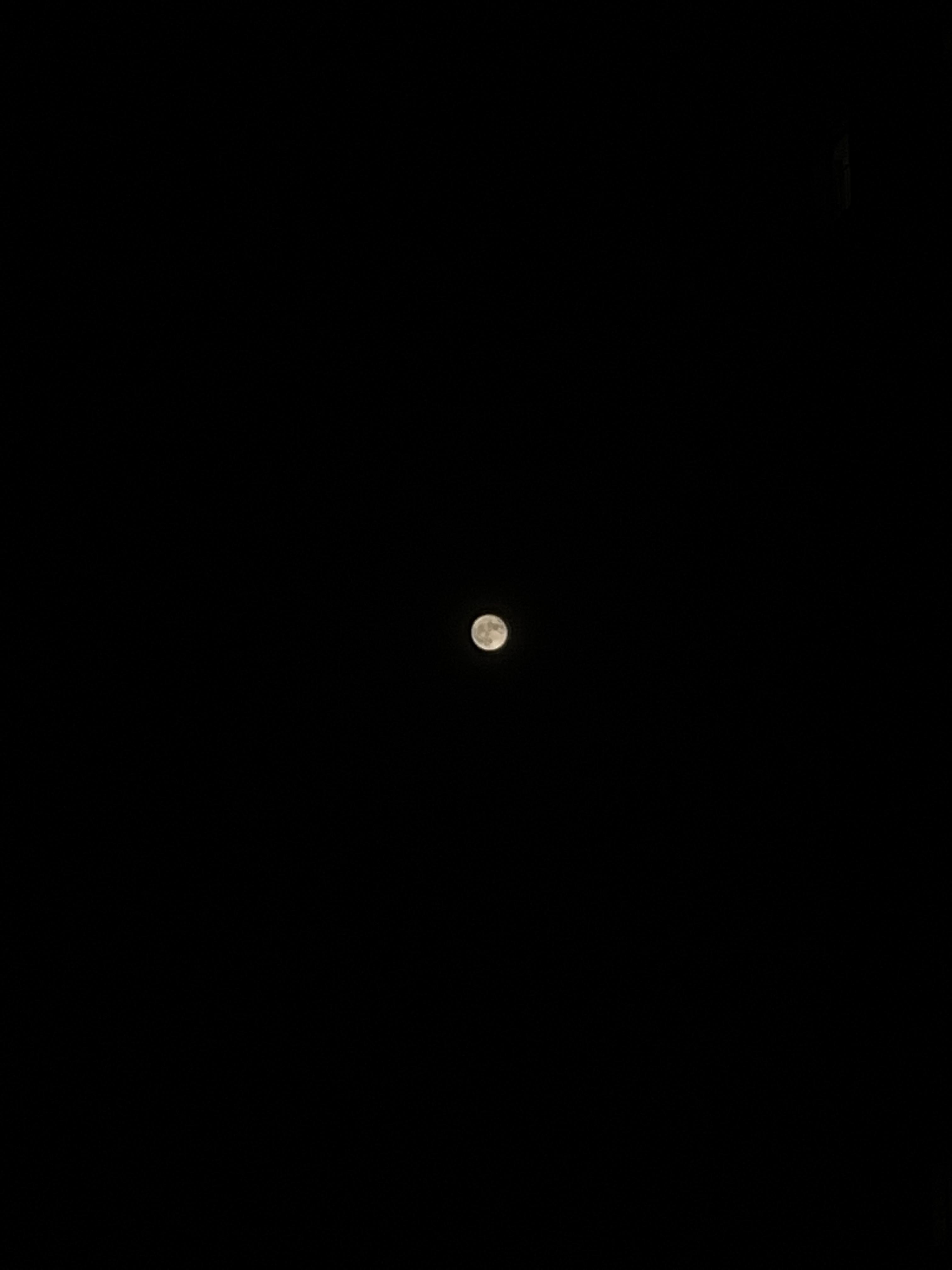
iPhone 12 mini
Built-in Wide Camera